

Trading is a profession where the margin for error is razor-thin. We often talk about mindset and strategy, but there is a third pillar that supports elite performance: Your Tools.
You wouldn’t try to build a house with a plastic hammer, and you shouldn’t try to trade the S&P 500 with cluttered, inefficient charts.
Recently, I launched my official Ryan Bailey Edge account on TradingView. To kick things off properly, I wanted to do something special for this community. I have decided to take two of the internal tools we use daily—tools that would typically be behind a paywall—and release them to you, absolutely free.
Consider this a “thank you” for your subscribership. My goal is to help you conquer these markets, and today, I am handing you the weapons to do it.
Here is a deep dive into the two new indicators dropping today.
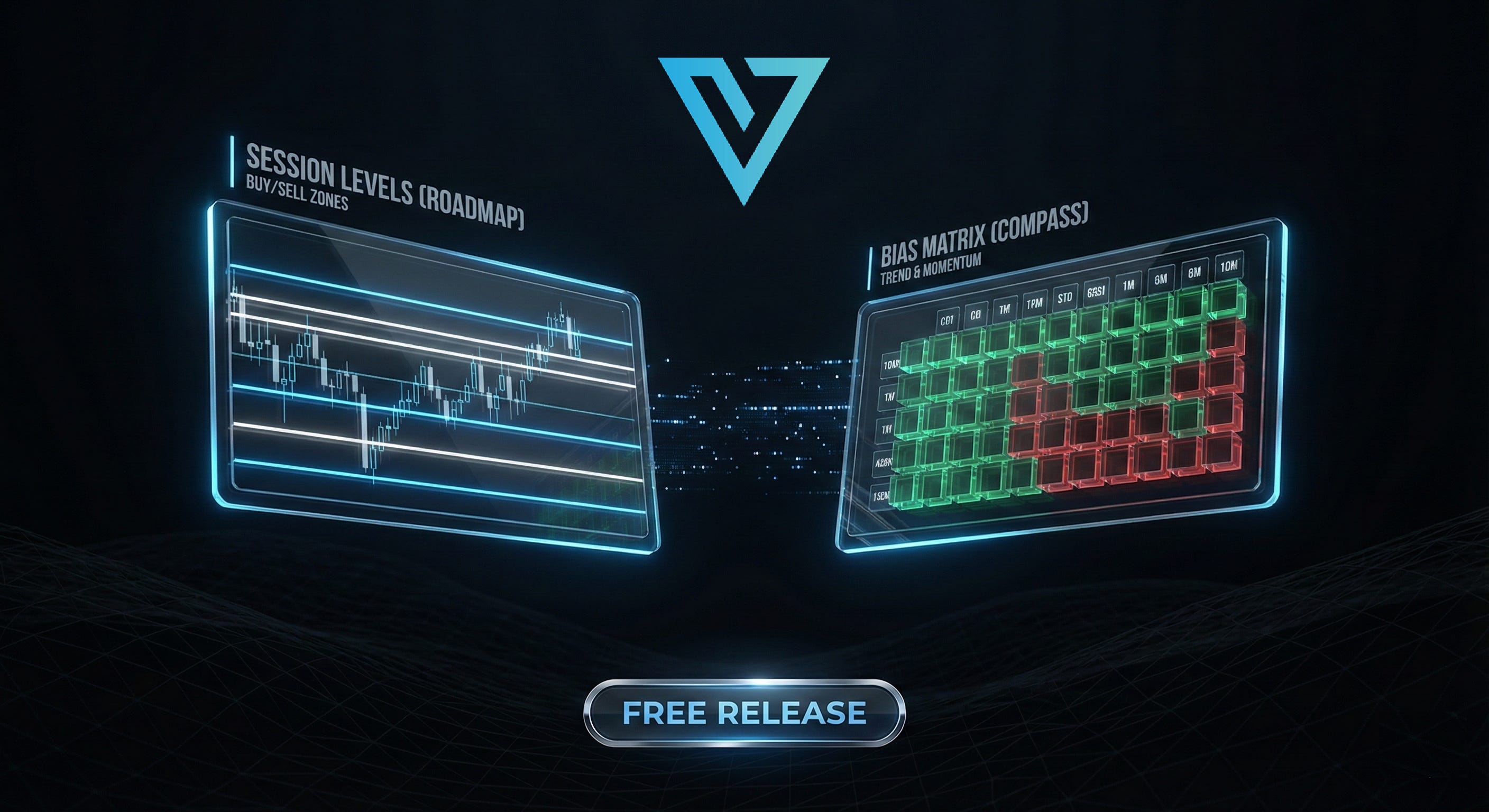
Tool #1: EDGE Session Levels
“The Daily Roadmap”

Every single morning, before the bell rings, a professional trader goes through a routine. We mark our levels. We identify where liquidity is hiding. We map out the battlefield.
But manually drawing lines every morning is tedious, and human error happens. We built the EDGE Session Levels study to completely automate this process. This isn’t just a few lines on a chart; it is a dynamic roadmap that updates automatically to show you exactly where the market is likely to react.
What It Plots Automatically:
Previous Day’s High & Low: The most basic yet powerful liquidity targets.
Cash Session Open: A critical level for determining who is in control (buyers or sellers) for the day.
Cash Session Close: The settlement price that institutions defend.
Overnight Highs & Lows: Critical for understanding Globex inventory and pre-market sentiment.
Initial Balance (IB): The high and low of the first hour of trading—vital for understanding range expansion.
30-Second Opening Range Box: For the scalpers who trade the open volatility.
Why This Matters:
This indicator removes the “guesswork.” It ensures that your chart looks exactly like a professional’s chart the moment you log in.
Fully Customizable:
While the defaults are tuned for Futures Indices (ES, NQ, YM, RTY), we know many of you trade other assets. We made the session times fully adjustable. Whether you are trading Gold, Crude Oil, or Bonds, you can dial in the specific session times to fit your product.
👉 CLICK HERE TO GET EDGE SESSION LEVELS
Tool #2: EDGE MTF ATR Bias Matrix v6
“Your Directional Compass”

Traders,
One of the biggest problems traders face is “Chart Clutter.” You want to know the trend on the 5-minute, the 1-hour, and the Daily chart, but if you put moving averages and clouds for all those timeframes on one screen, it looks like spaghetti. You can’t see price.
We solved this with the EDGE MTF (Multi-Timeframe) ATR Bias Matrix.
We completely rebuilt this tool to be a clean, compact “heads-up display” that tucks neatly into the corner of your chart. It gives you instant, color-coded clarity on market direction without the mess.
The “Game-Changer” Features:
6 Timeframes at a Glance: Instantly see the bias for the 5m, 15m, 30m, 1H, 4H, and Daily timeframes in one panel.
Color-Coded Trend Bias:
🟩 Green: Bullish (Price is holding above support).
🟥 Red: Bearish (Price is heavy below resistance).
⬜ Gray: Neutral (Price is chopping inside the cloud).
Proximity Alerts (The Δ Column): This is my favorite feature. The “Delta” column shows you the physical distance between the current price and the key level. You will never be caught off guard by a hidden resistance level again.
How to Execute With It:
Use this as your filter. If the Matrix is Green across the board, you should not be looking for shorts. If it is Red everywhere, stop trying to catch a falling knife. Look for confluence—when the higher timeframes align with your entry timeframe, the probability of success skyrockets.
👉 CLICK HERE TO GET THE EDGE MTF ATR BIAS MATRIX
How to Access These Tools
Both of these indicators are available right now on TradingView.
Click the links provided above.
Scroll down to “Add to Favorite Indicators.”
Open your TradingView chart, go to “Indicators,” and select them from your favorites.
A Note on Usage:
Please take a moment to read the instructions included in the description of each indicator. We have packed a lot of functionality into these, and reading the guide will ensure you are getting the full benefit of the customization options.
More to Come...
I am committed to helping you succeed, and that means equipping you with the same professional-grade tools used by our team. These two indicators are just the first wave. I have several more in the pipeline that I look forward to releasing to you before the end of the year.
Take these tools, put them to the test, and let them simplify your process.
Until next time—trade smart, stay prepared, and together we will conquer these markets!
Ryan Bailey
S&P Edge
VICI Trading Solutions
Oh Man! That’s fire 😳🔥